Knowledge Base
Categories: Getting_Started
WebsiteBuilder: How to Save and Publish Your Website.
Just like a document, image or presentation that you make, your website needs to be saved at regular intervals to ensure your work isn't lost. We recommend that you save your site after making significant changes.
How do I save my website?
To save your work, click the Save button on the right of the top bar in the editor. Saving just means the changes you have made are saved, it does not mean the changes are now live on the website. Publishing is the action for pushing changes live to your site.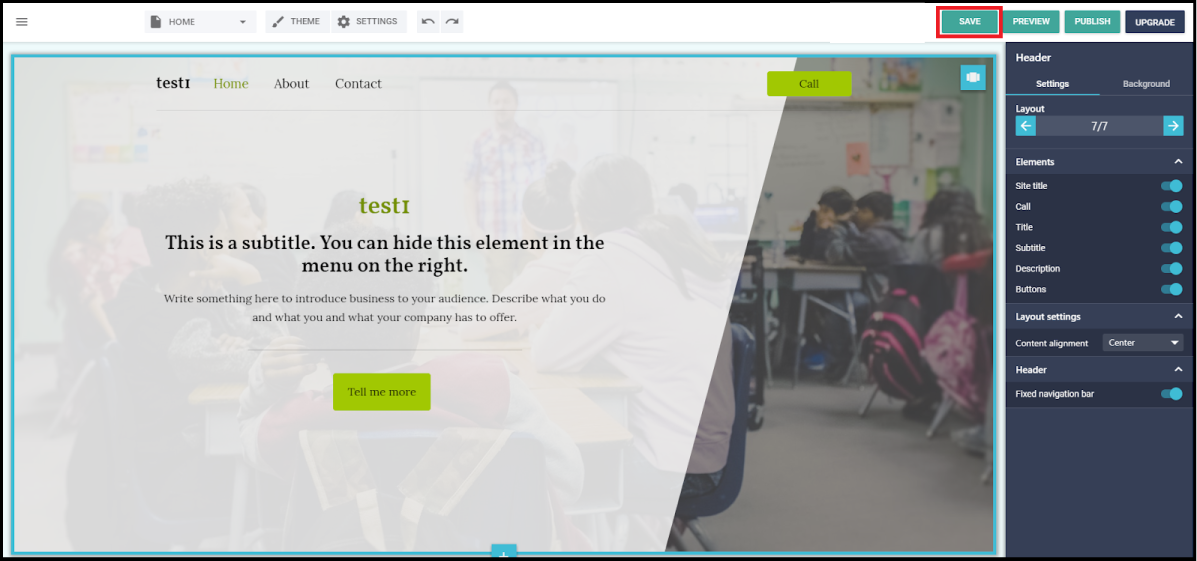
How do I publish my website?
To publish your site live to the internet, click the Publish button on the right of the top bar in the editor.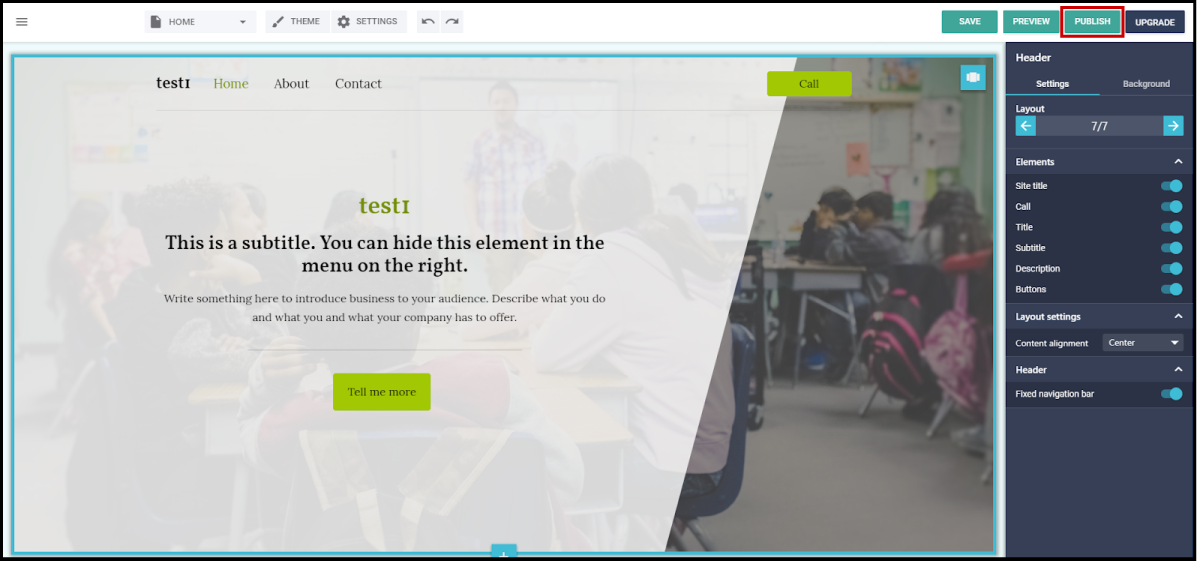
Did you find this article helpful?